This post contains affiliate links. If you download a file through them, we may earn a small commission at no extra cost to you. Thank you for supporting Laser Cut Wood Art Studio!
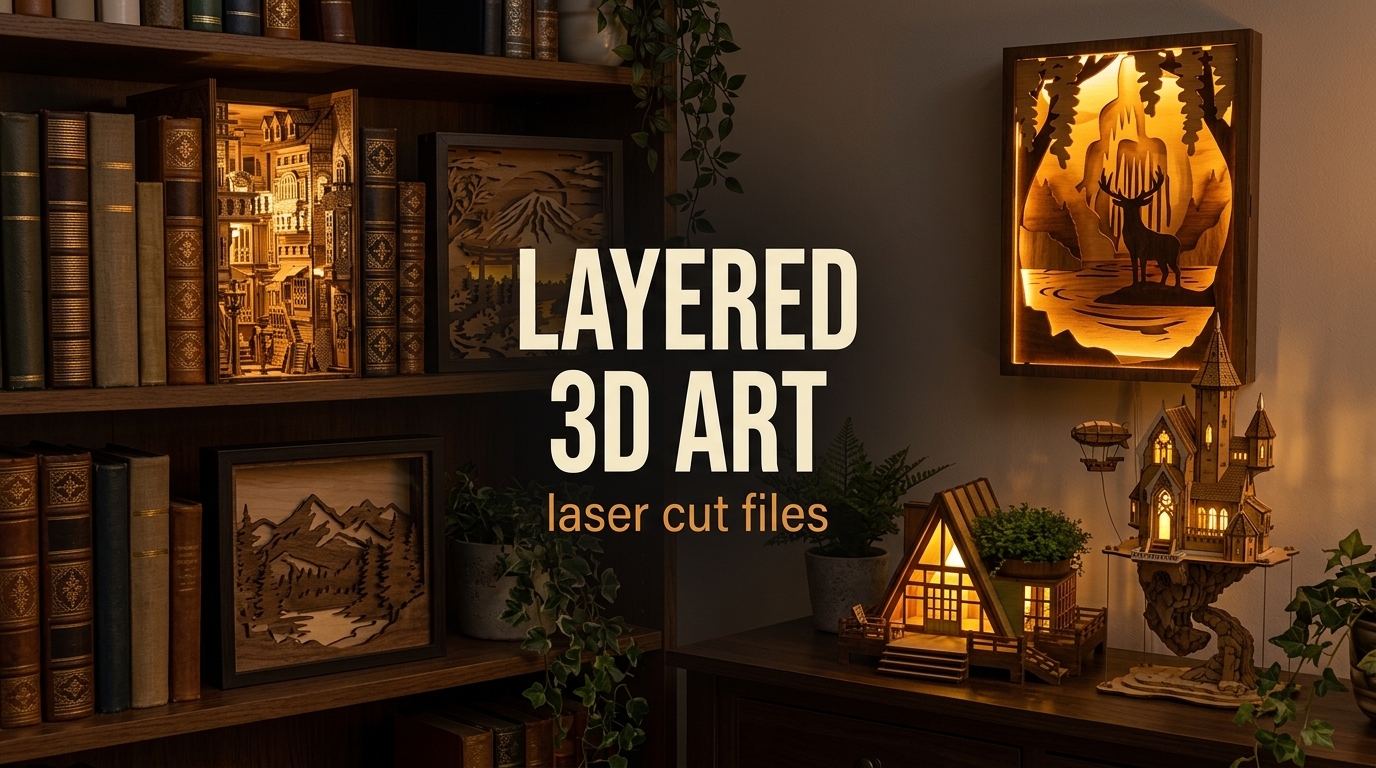
Layered plywood looks simple on the sheet and surprising once it is lit: thin cut layers stack into depth, and a warm LED behind them does the rest. We picked six layered 3D laser cut bundles worth cutting, from book nooks and light boxes to a shadow box, a flying castle and a cabin night light. Each one is a digital file bundle for a laser cutter or CNC: you cut and assemble the pieces yourself, nothing ships. Looking for more? See our second roundup of seven layered 3D laser cut files, with shadow boxes, light boxes and a moon lantern.
Photos are illustrations of each design. What you cut depends on your machine, material and settings, so check the design details on Creative Fabrica before you download.
Spec lists come from the Creative Fabrica product pages as of October 2026. Details can change, so check the product page before you download.
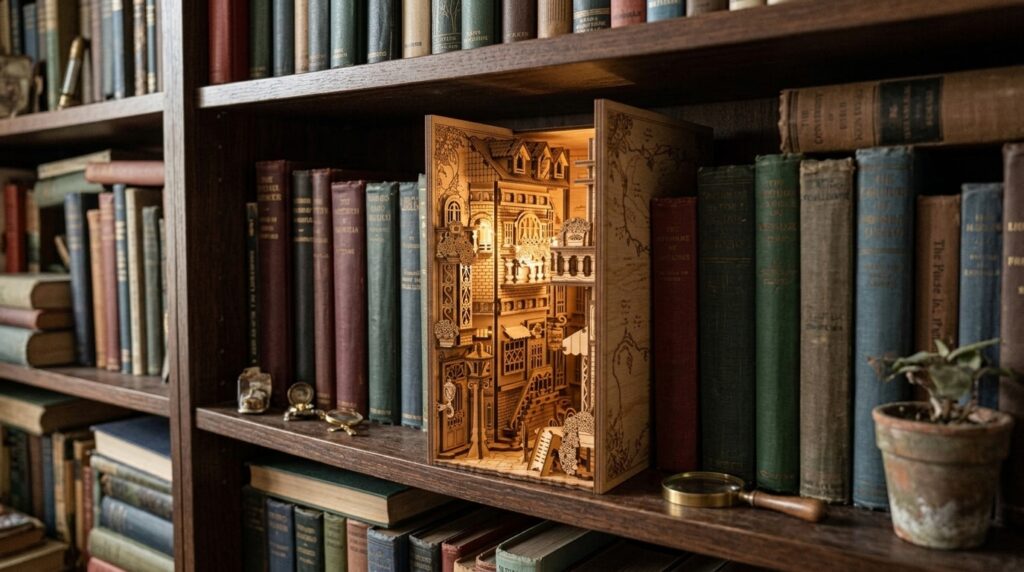
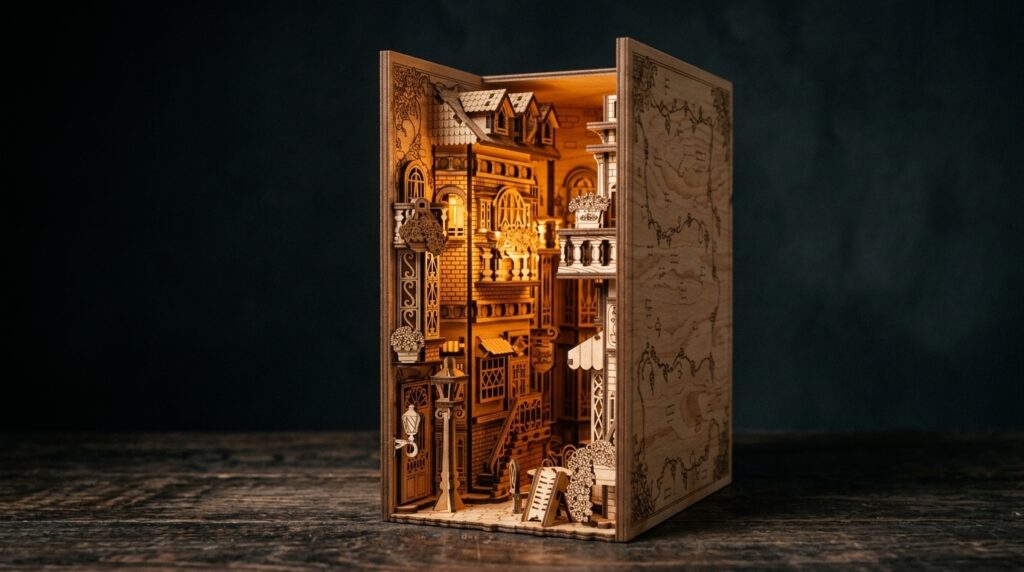
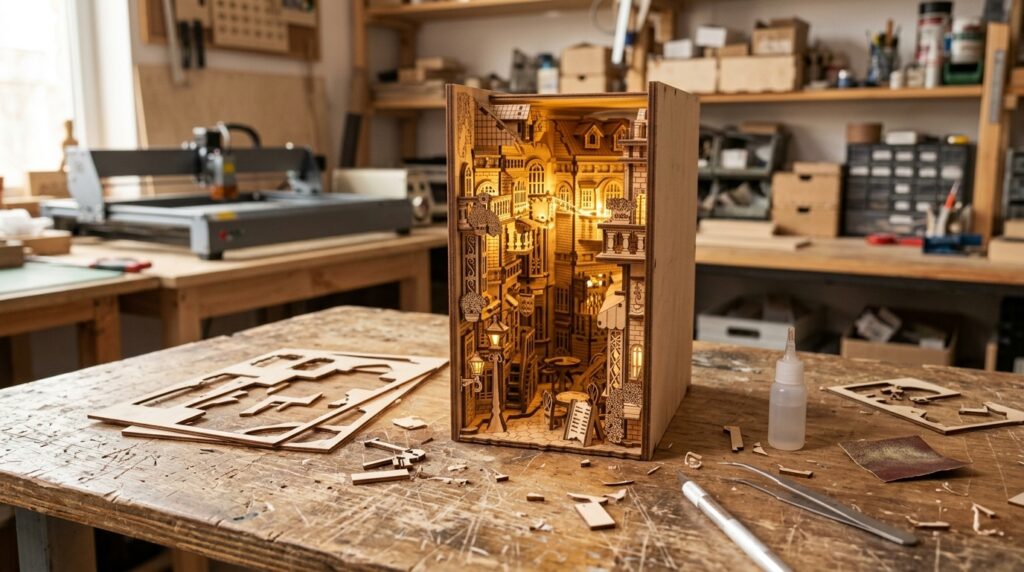
1. 3D European Alley Book Nook
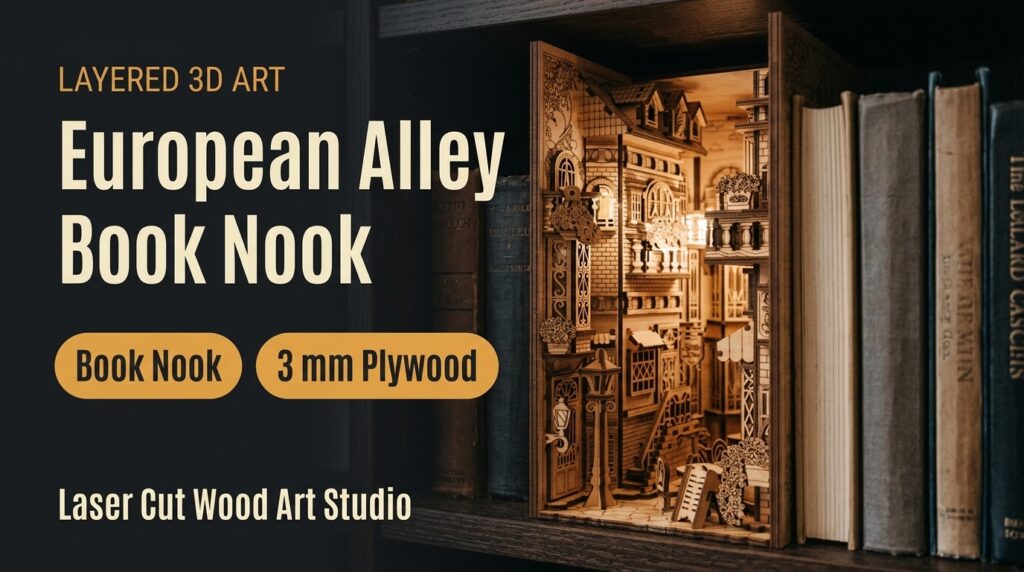
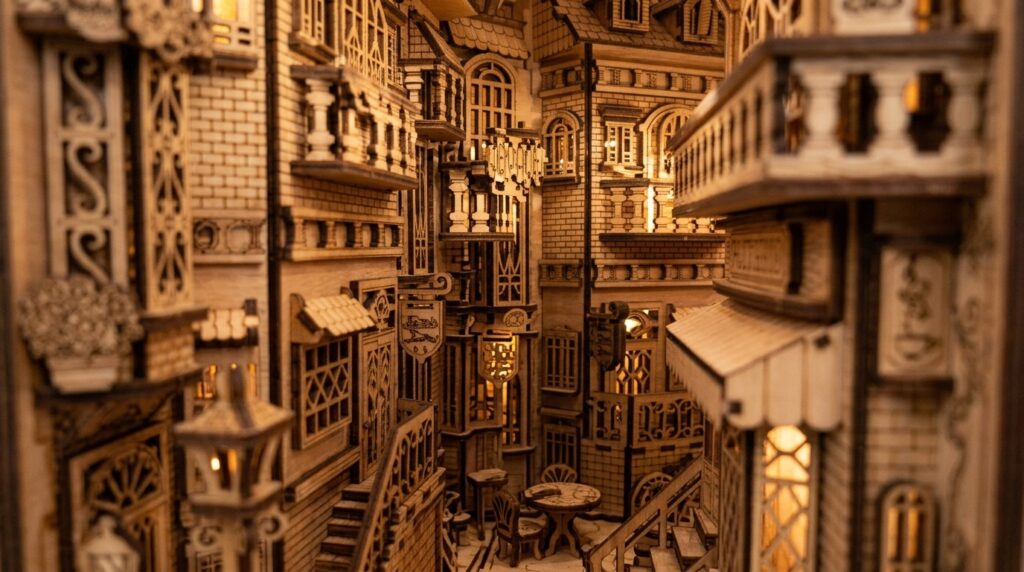
A book nook insert that turns a gap on your bookshelf into a miniature European alley, built from layered 3 mm plywood. The download includes SVG, EPS, PNG, PDF and DXF files. Cut one test layer first to check the fit, then glue the layers in order from back to front. A strip of warm LED light behind the scene makes the alley look like evening.
- Download: zip with 1 file each in SVG, EPS, PNG (transparent), PDF and DXF
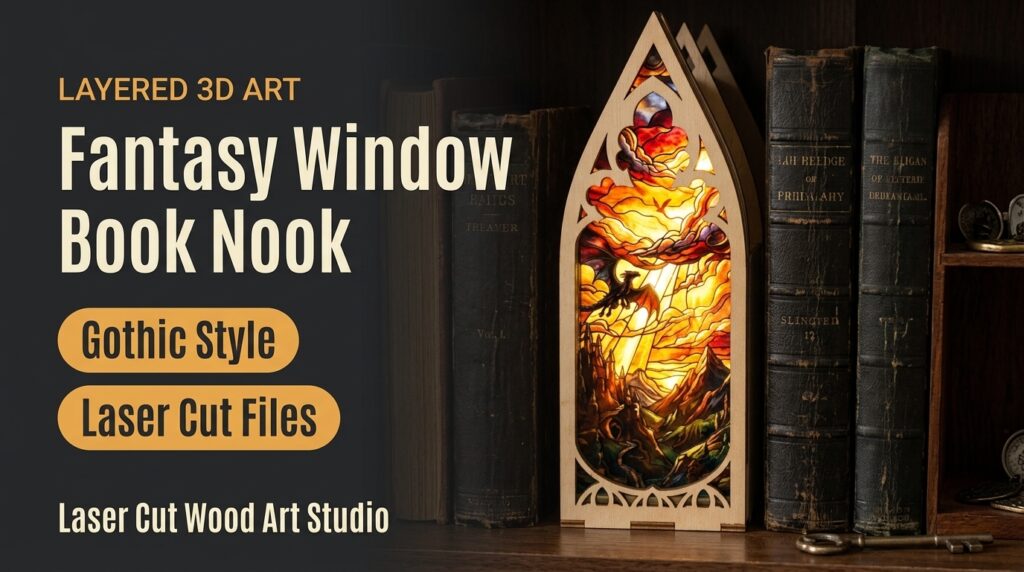
2. Fantasy Window Book Nook Set
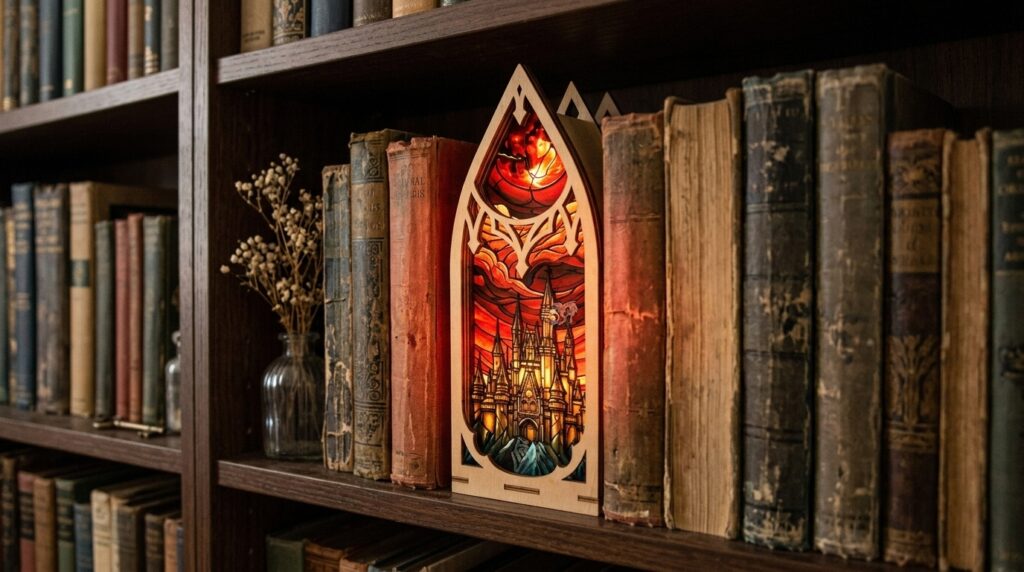
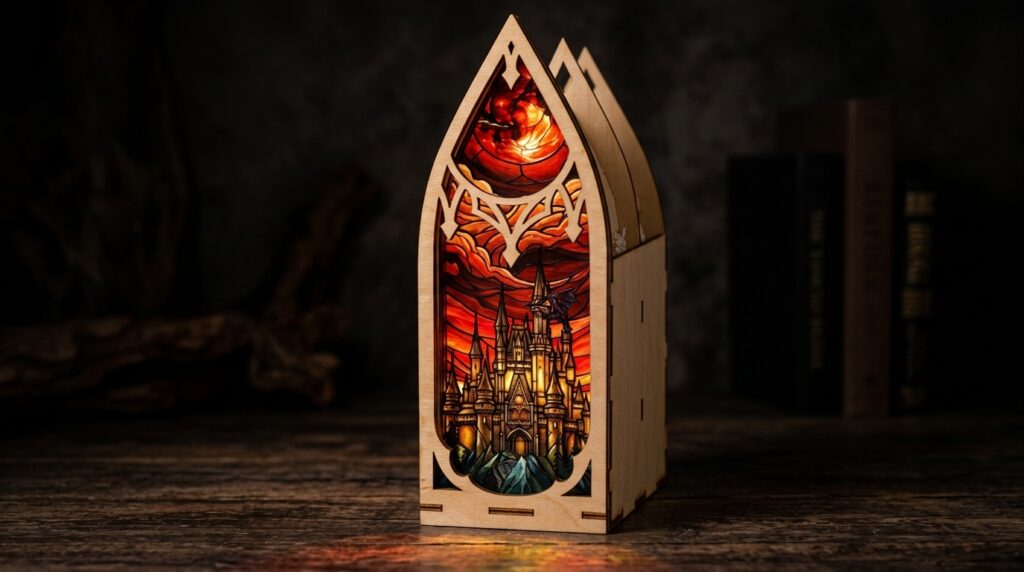
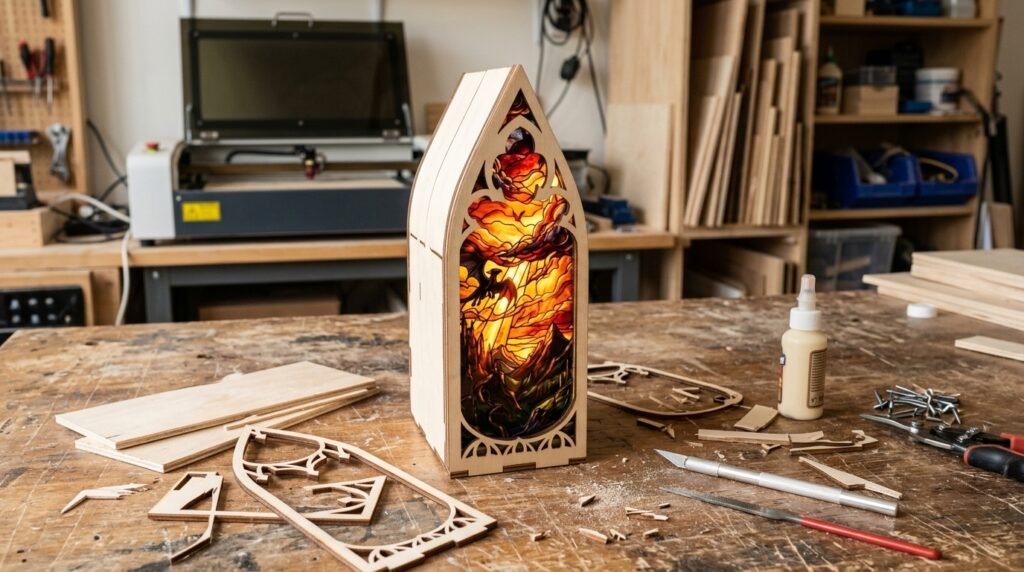
A set of book nook inserts with gothic arched windows and a stained-glass effect, including a dragon castle and a cathedral arch. The download includes 10 files in each format: SVG, EPS, PNG, PDF and DXF. Cut the arched windows slowly and test your power and speed on scrap plywood first. Colored translucent material behind the arches, with a light behind it, brings out the stained-glass look.
- Designs: 10 files in each format
- Formats: SVG, EPS, PNG, PDF, DXF
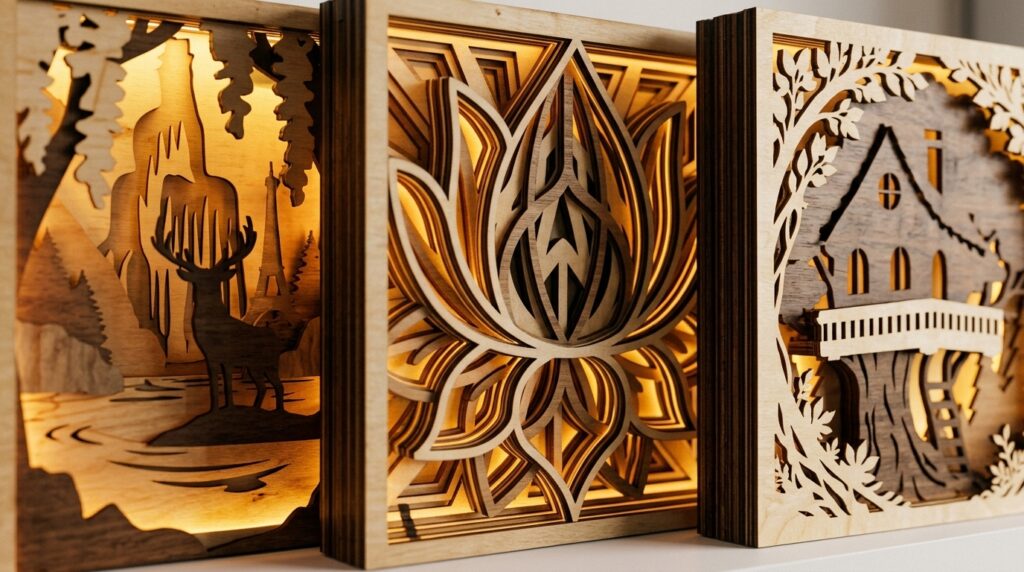
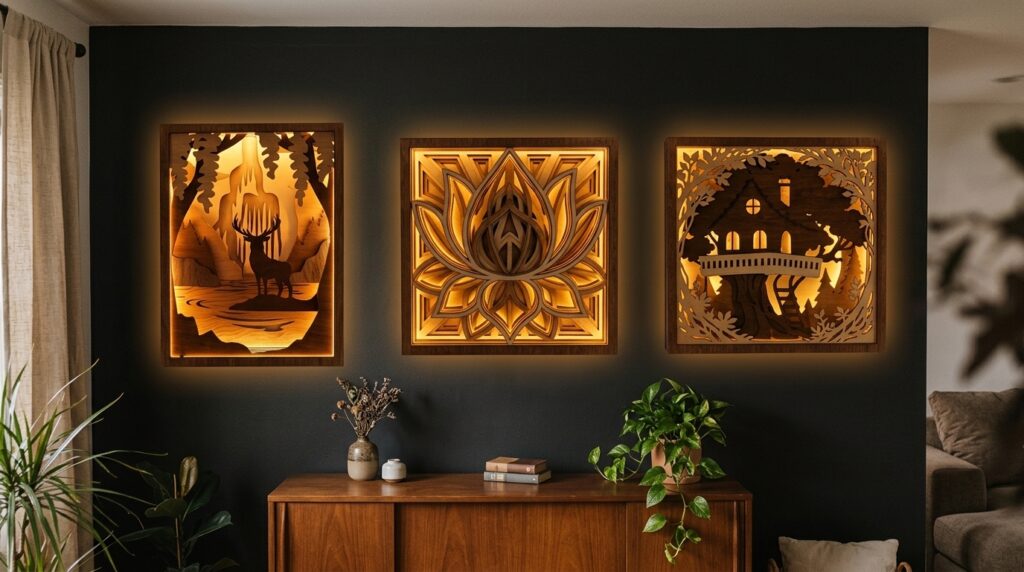
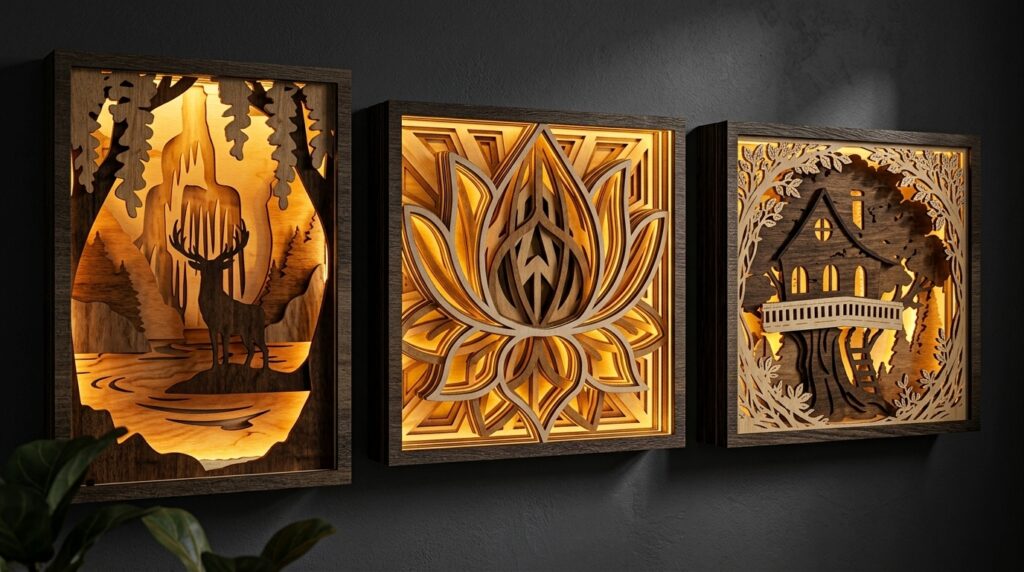
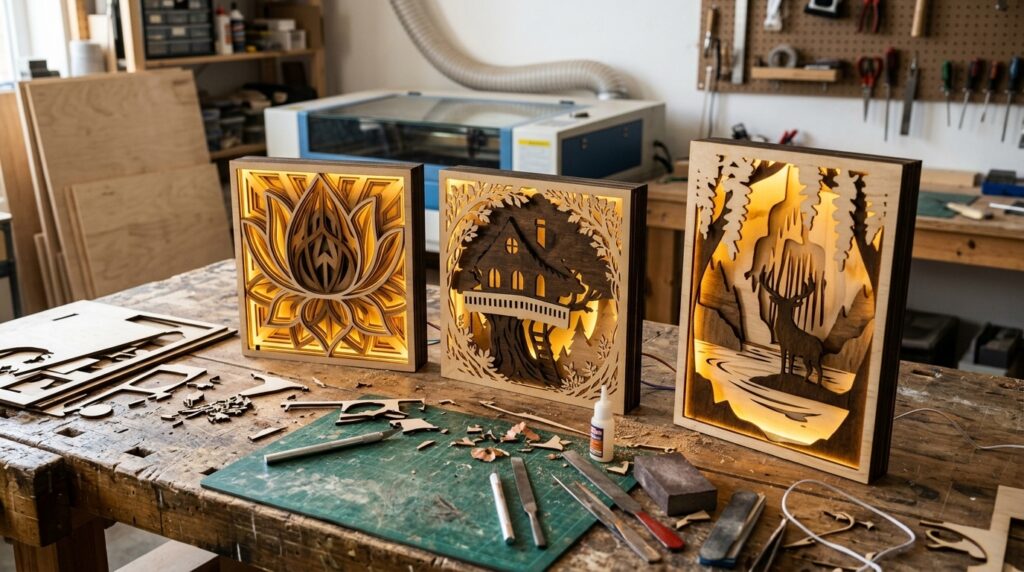
3. 3D Layered Light Boxes Art
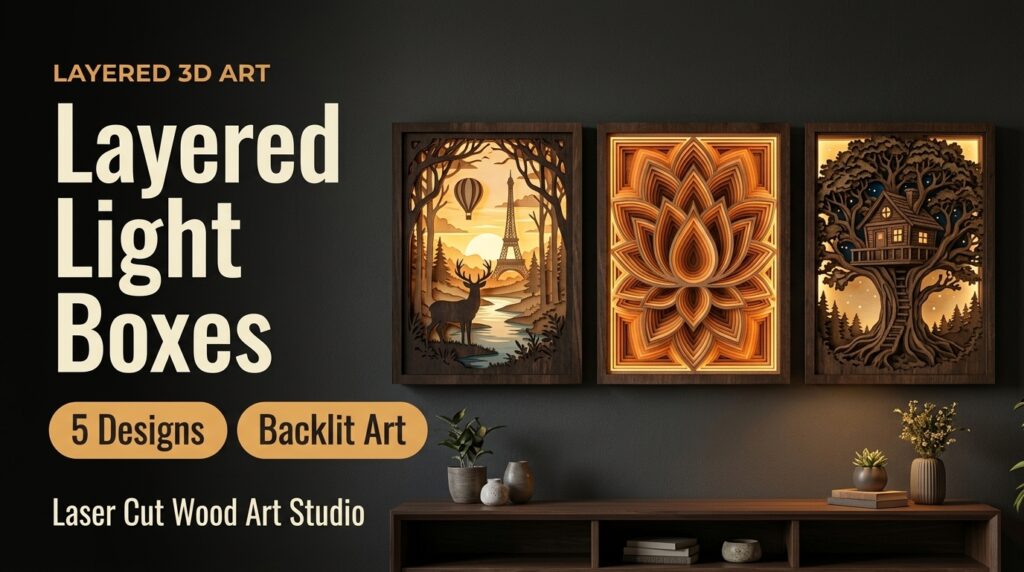
Five layered light box designs, including an Eiffel Tower with a deer in a forest, a sacred lotus flower and a treehouse. Stacked plywood layers create depth when lit from behind. Formats: SVG, EPS, PNG, PDF and DXF. Use a flameless LED light behind the layers, never an open flame. Painting the back layer a dark color helps the glow stand out.
- Designs: 5 files in each format; themes include Paris Eiffel Tower, forest deer, sacred lotus flower and treehouse
- Formats: SVG, EPS, PNG, PDF, DXF
- Cut and engrave: red line = cut, black line = engrave
- Made for: backlit wall decor, laser cutters and CNC routers
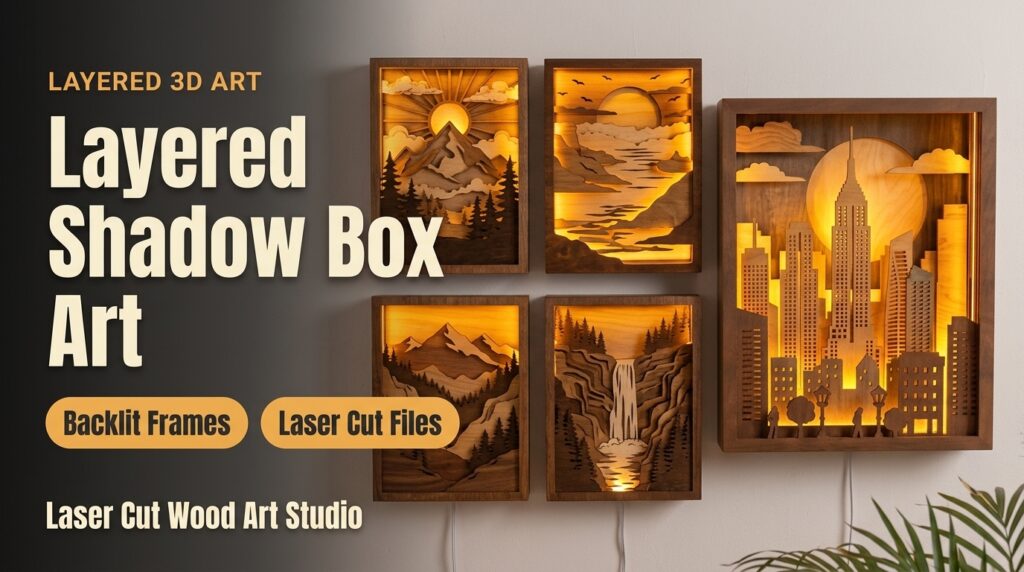
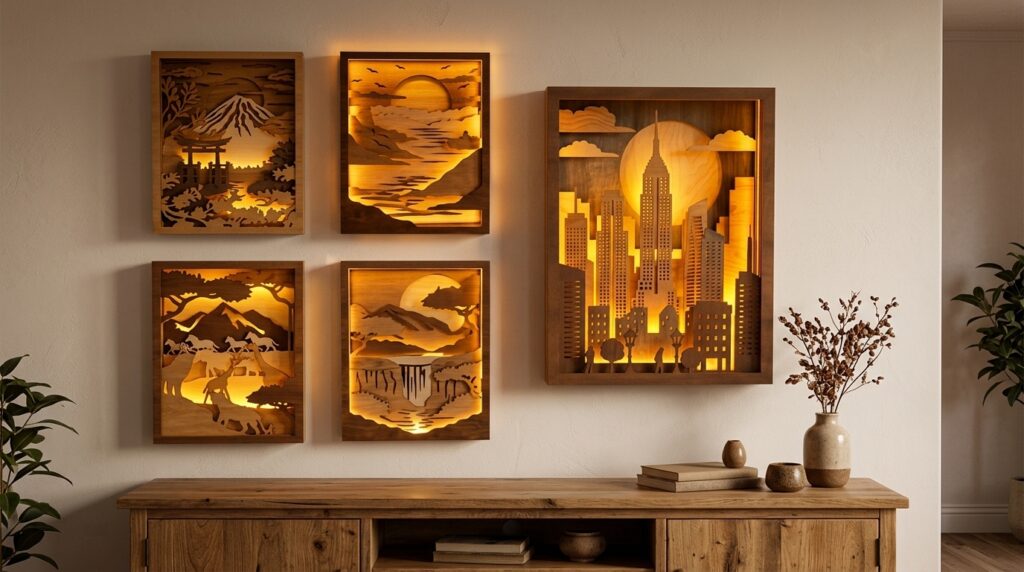
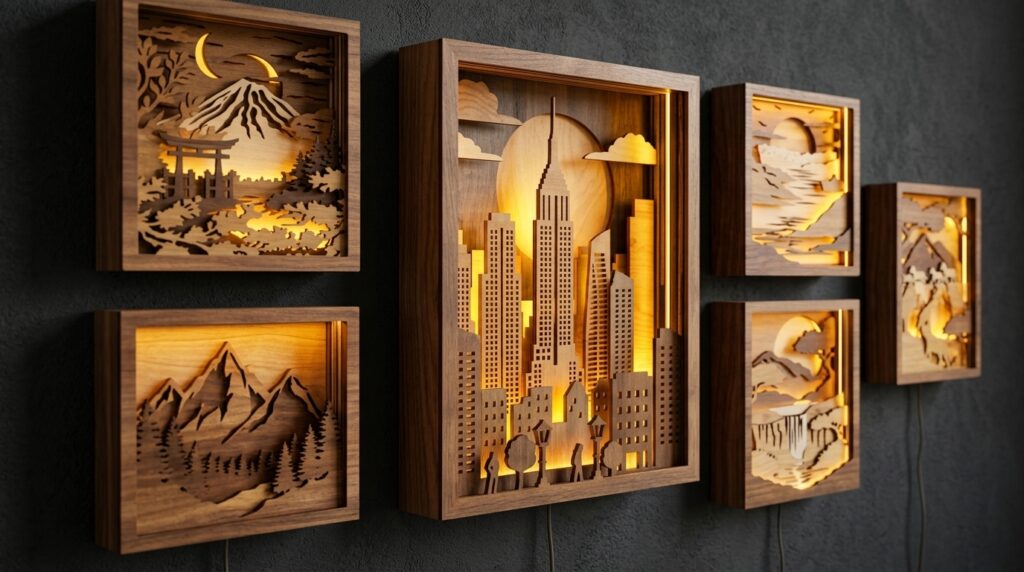
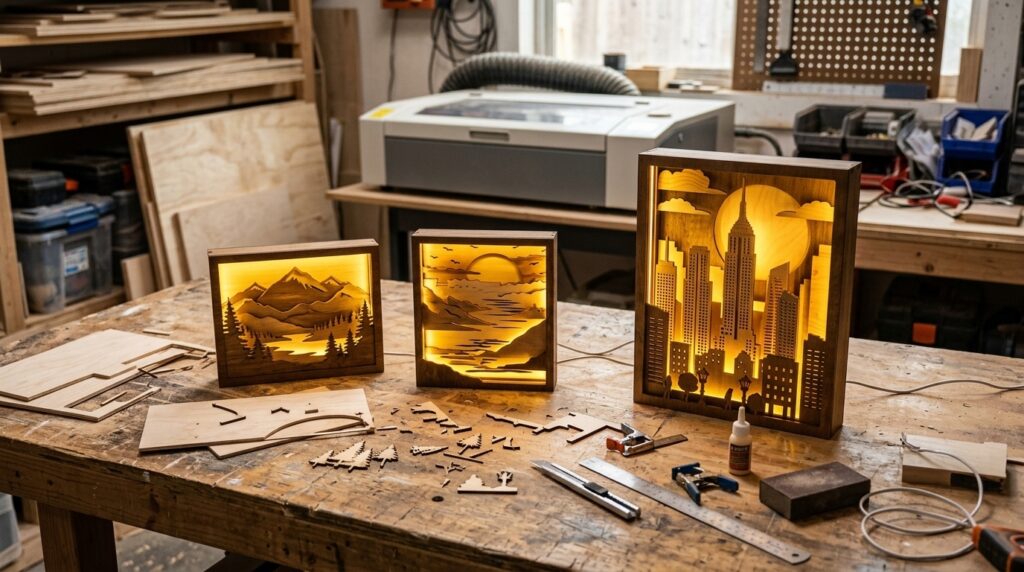
4. 3D Layered Shadow Box Bundle
Layered shadow box designs for backlit frames, with a large city skyline in front of a glowing sun and landscape scenes such as mountains, a coast and a waterfall. The listing shows 3 mm and 4 mm plywood. Formats: SVG, EPS, PNG, PDF and DXF. The skyline and the sun depend on clean cuts in the front layers, so test thin bridges on scrap before the full sheet. A slim LED strip behind the frame lights the whole scene.
- Designs: 5 files in each format
- Formats: SVG, EPS, PNG, PDF, DXF
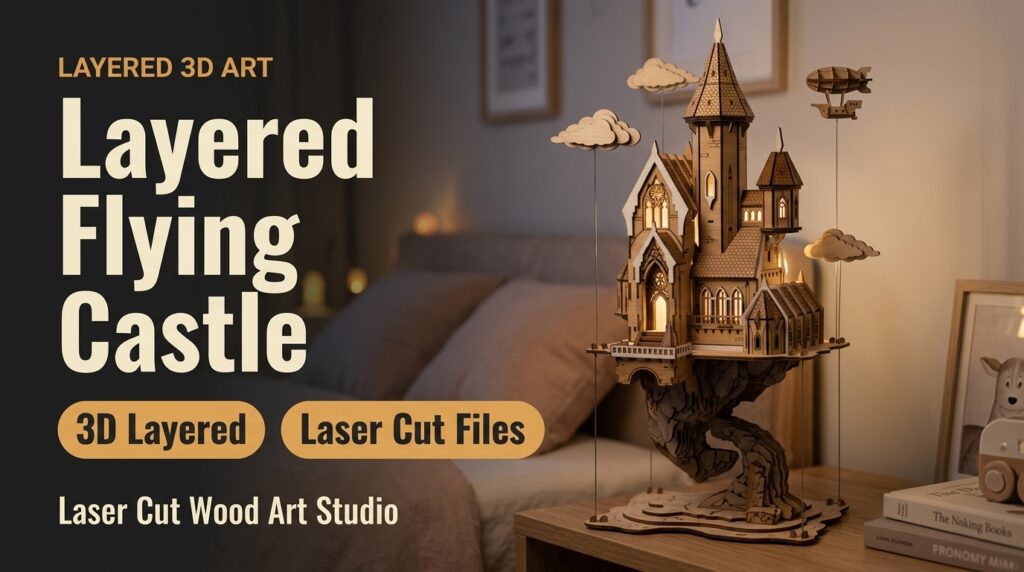
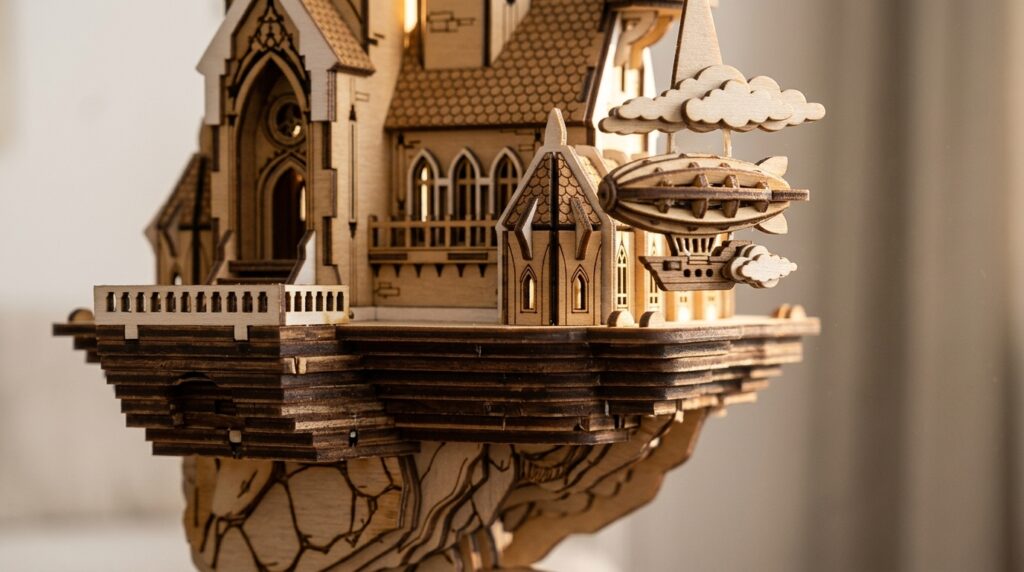
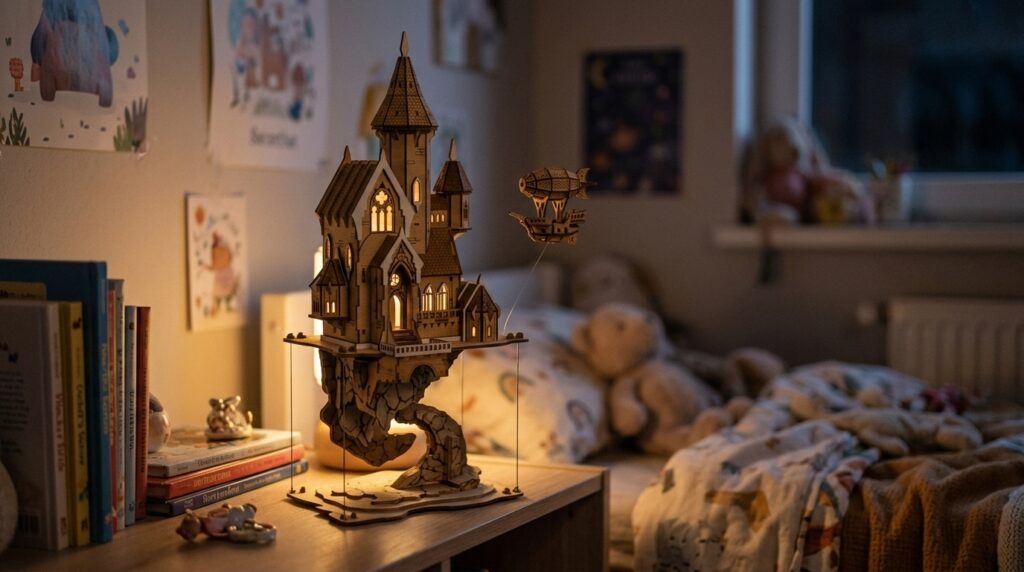
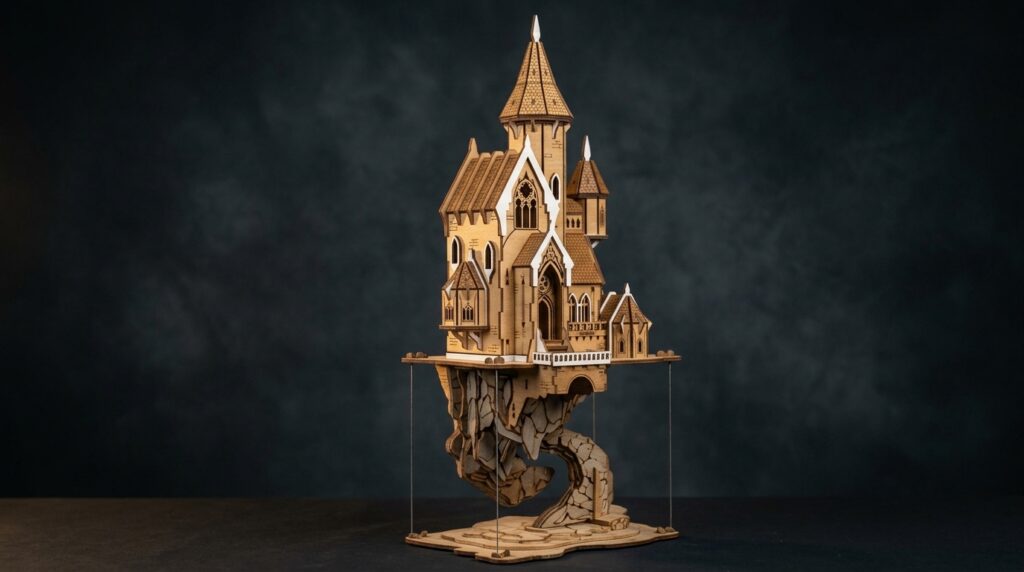
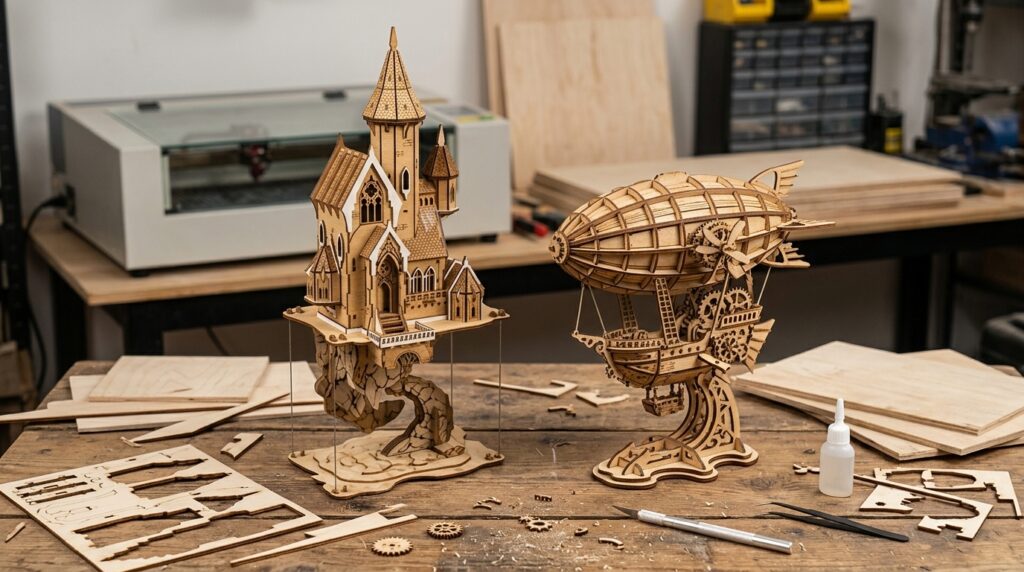
5. 3D Layered Flying Castle
A layered scene of a castle on a floating island with clouds and a small airship, cut from stacked plywood. It works as shelf decor or as a fairy-tale piece for a kids room. The clouds and the airship are small pieces, so glue them with a thin line of wood glue and a pair of tweezers. A soft light behind the island gives it a dreamy sky glow.
- Download: zip with 1 SVG, 2 EPS, 2 PNG, 1 PDF and 1 DXF file
- Cut and engrave: red line = cut, black line = engrave
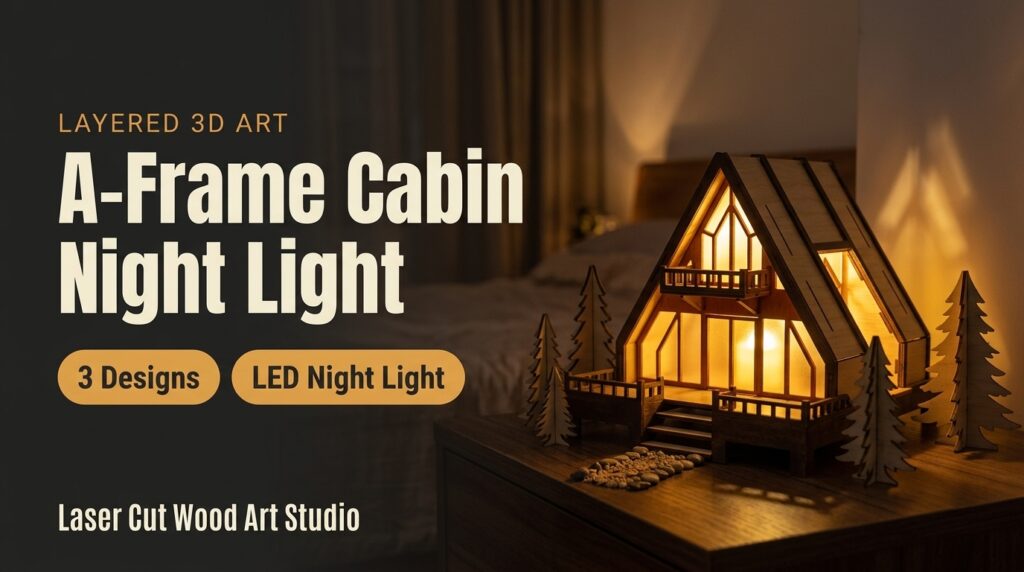
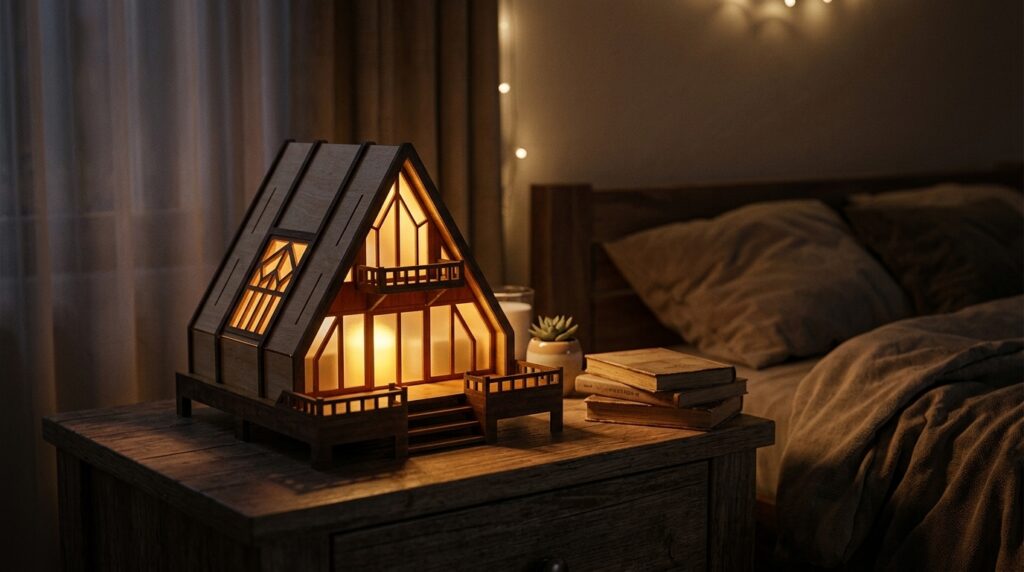
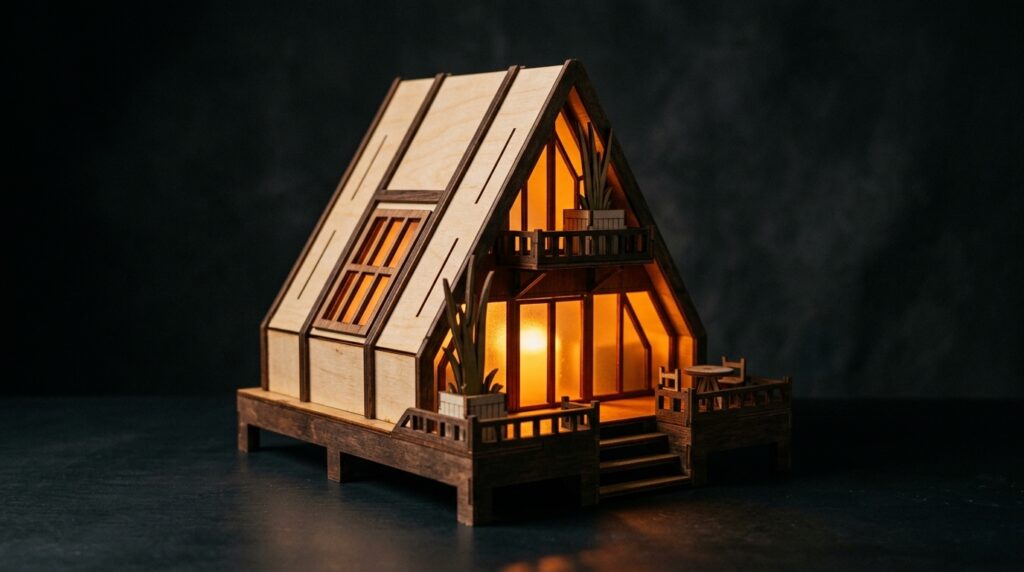
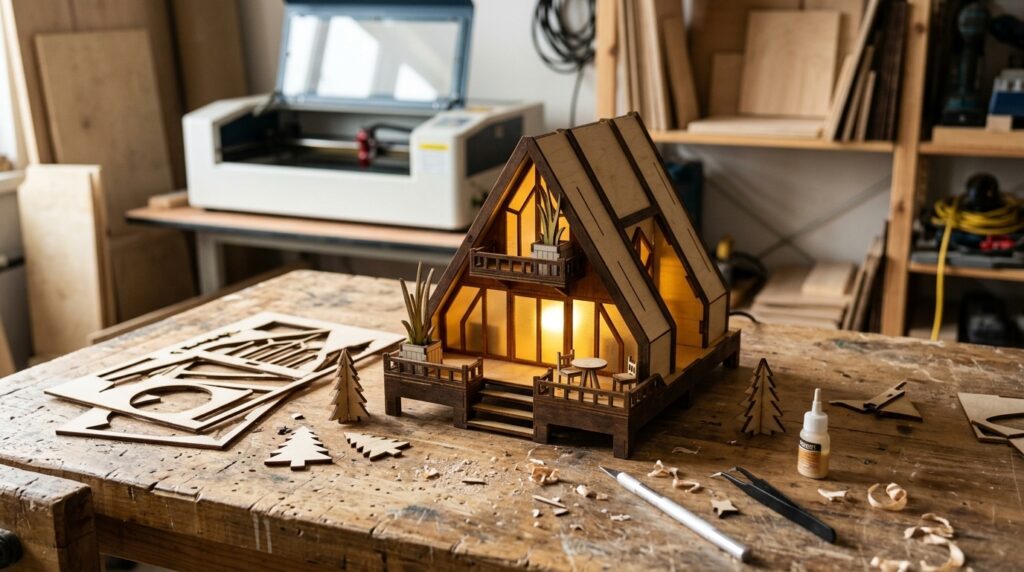
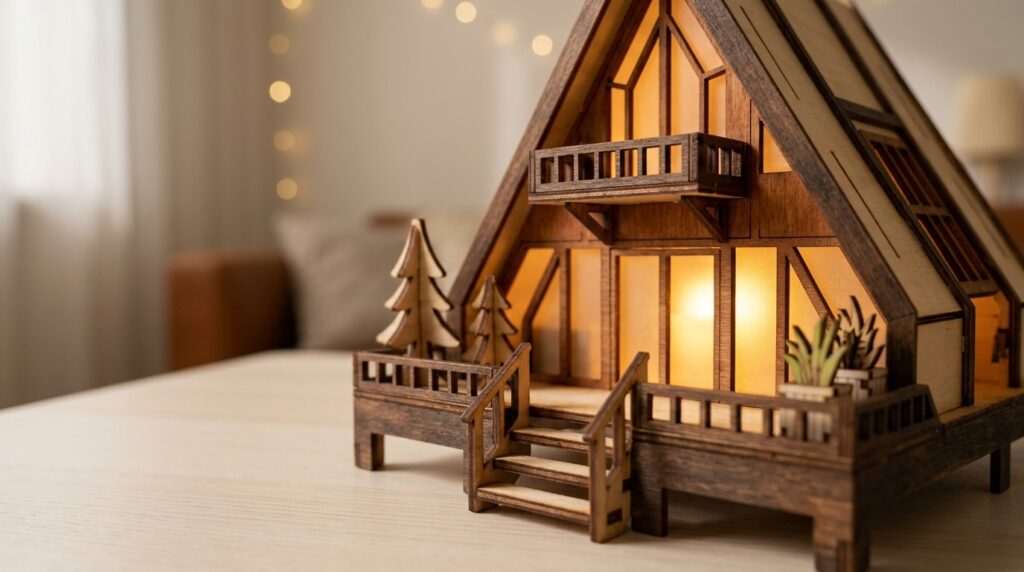
6. 3D A-Frame House Nightlight
A miniature A-frame cabin night light for an LED light, in three designs. The warm glow comes through the cut windows and makes a cozy bedside or shelf lamp. Plan the opening for the LED before you glue the walls shut, so the cable has somewhere to go. Use a flameless warm-white LED rather than an open flame.
- Designs: 3 files in each format
- Formats: SVG, EPS, PNG, PDF, DXF
Tips for Cutting Layered 3D Art
- Cut a test layer first. Fine details and thin bridges can burn or break, so check power and speed on a scrap piece.
- Keep the layers in order. Mark each part on the back with a pencil as you cut, so you can glue the stack in the right sequence.
- Use cool-running LED lights only. LED strips or small LED tealights give the glow; never use an open flame or a hot bulb inside plywood.
- Glue sparingly. A thin line of wood glue near the edges holds the layers without squeezing out into the cut details.
Guides to read before you cut
New to cutting these files? These step-by-step guides cover the setup and the common mistakes.
- Best plywood for multilayer 3D laser cut panels
- How to prepare SVG and DXF files for laser cutting
- How to fix islands, bridges and vector dropouts
Happy cutting!
2 thoughts on “6 Layered 3D Laser Cut Files: Book Nooks, Light Boxes, Shadow Boxes & More (SVG)”