This post contains affiliate links. If you download a file through them, we may earn a small commission at no extra cost to you. Thank you for supporting Laser Cut Wood Art Studio!
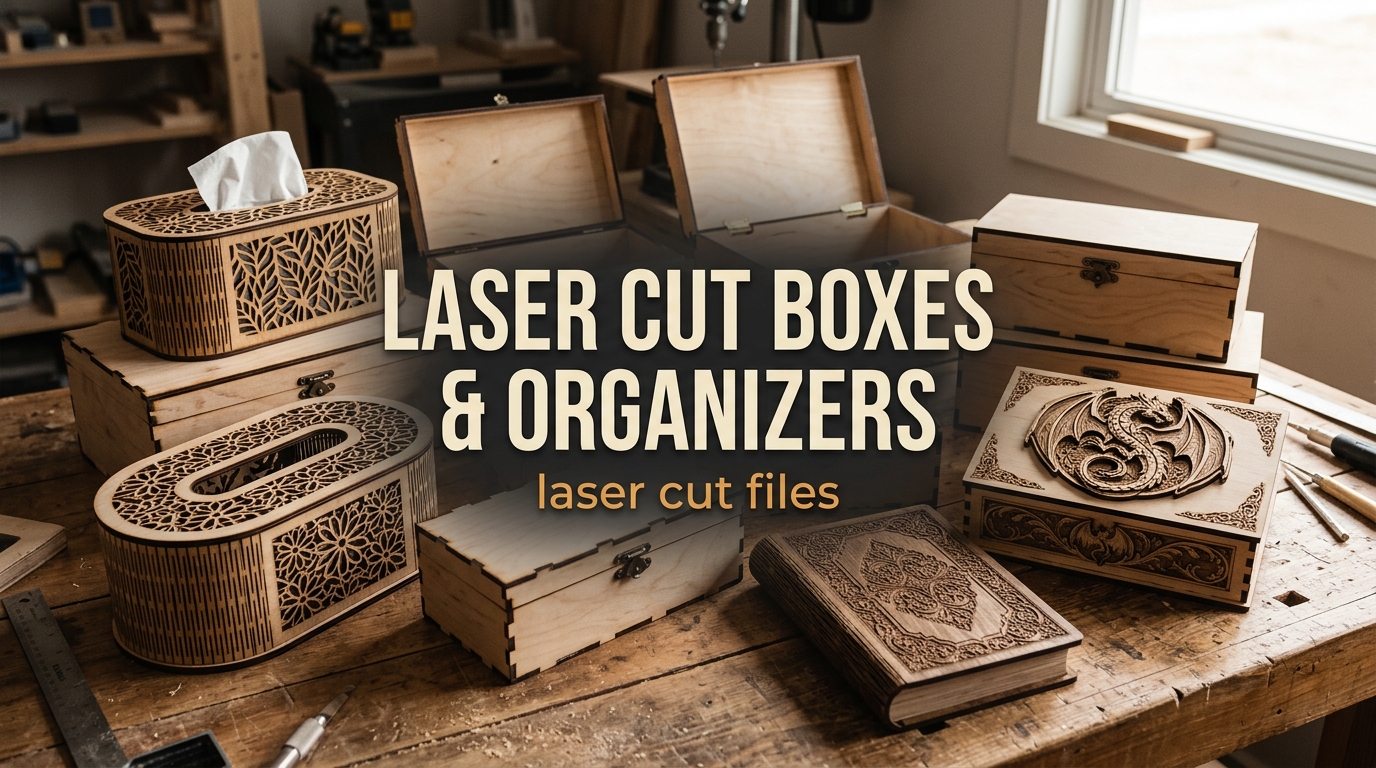
Boxes are some of the most satisfying projects for a laser cutter: they cut quickly, use little material and make a gift people actually keep. We picked five laser cut box and organizer bundles worth cutting, from simple flip-up storage boxes and tissue box covers to fantasy boxes and book covers. Each one is a digital file bundle for a laser cutter or CNC: you cut and assemble the pieces yourself, nothing ships. Looking for more? See our second roundup of seven laser cut box files, with book boxes, a playing card box and gift boxes.
Photos are illustrations of each design. What you cut depends on your machine, material and settings, so check the product page for the exact files, sizes and license before you buy.
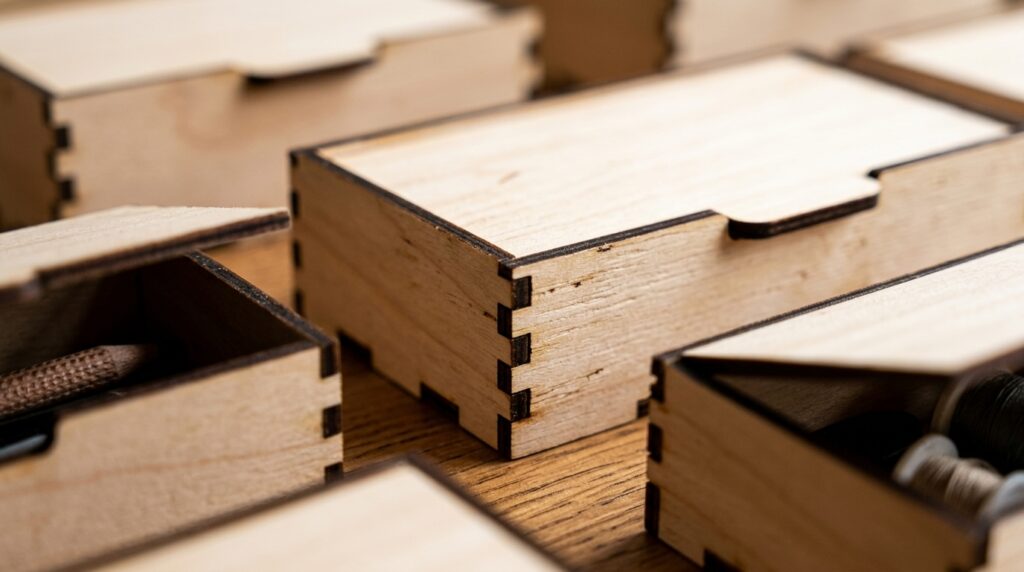
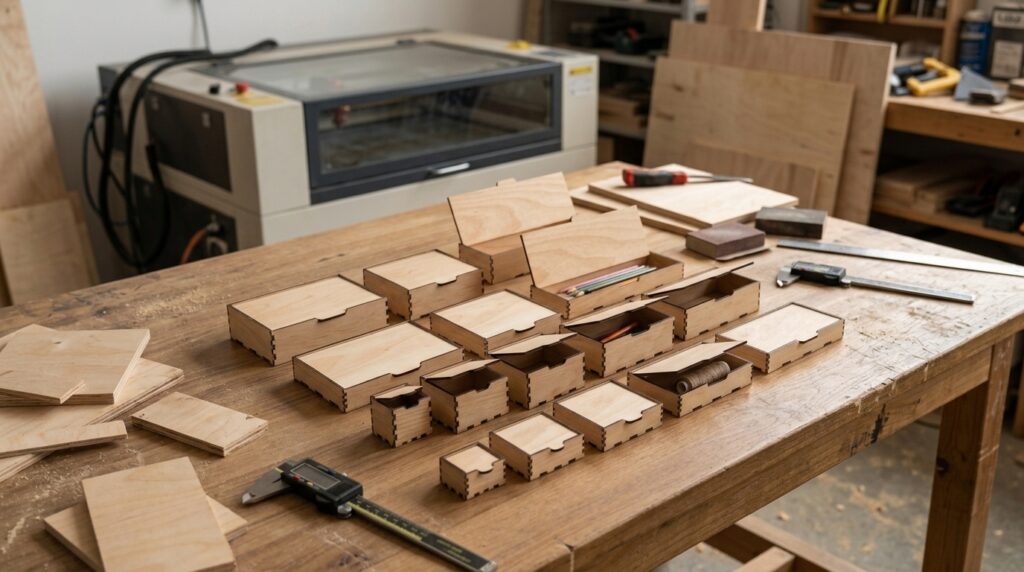
1. Laser Cut Flip-Up Lid Box in 16 Sizes
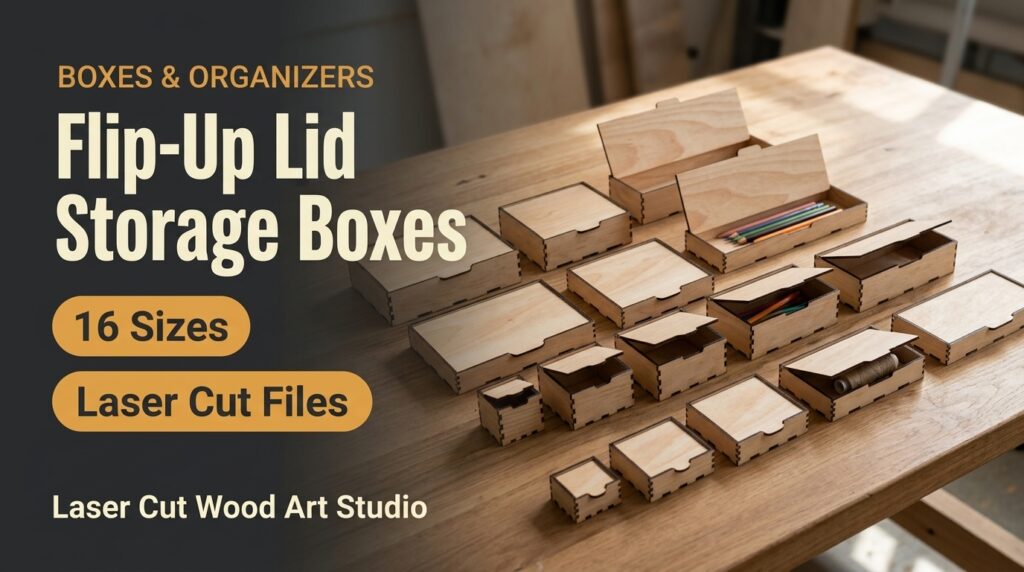
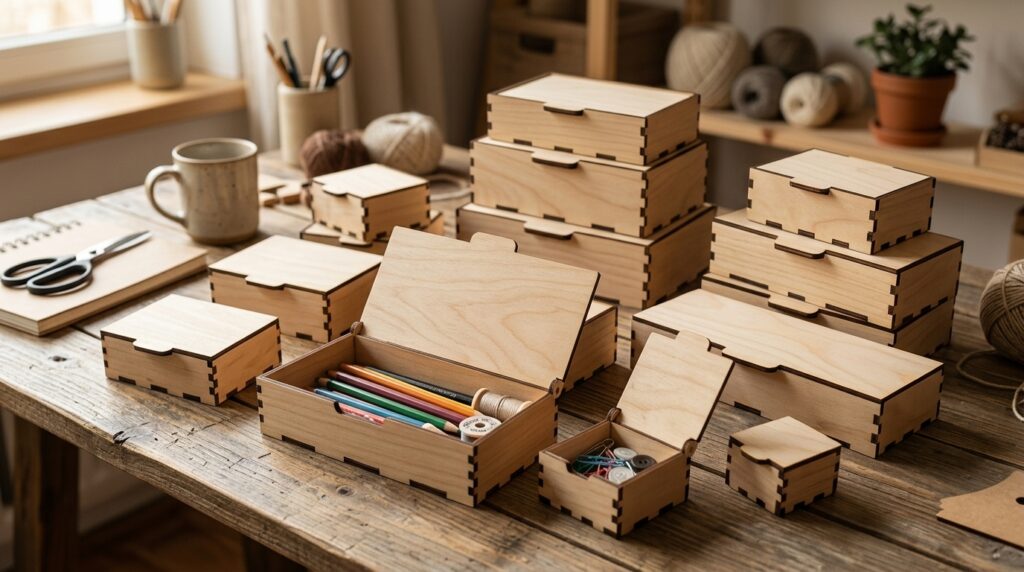
A practical storage box with a flip-up lid, included in 16 sizes from 50 × 50 × 30 mm up to 300 × 100 × 50 mm. Every size comes with files for six material thicknesses, from 3 mm (1/8 in) to 6 mm (1/4 in), so you can cut it from the plywood you already have. Formats: SVG, DXF, CDR, PDF, EPS and AI. LightBurn users should import the DXF files.
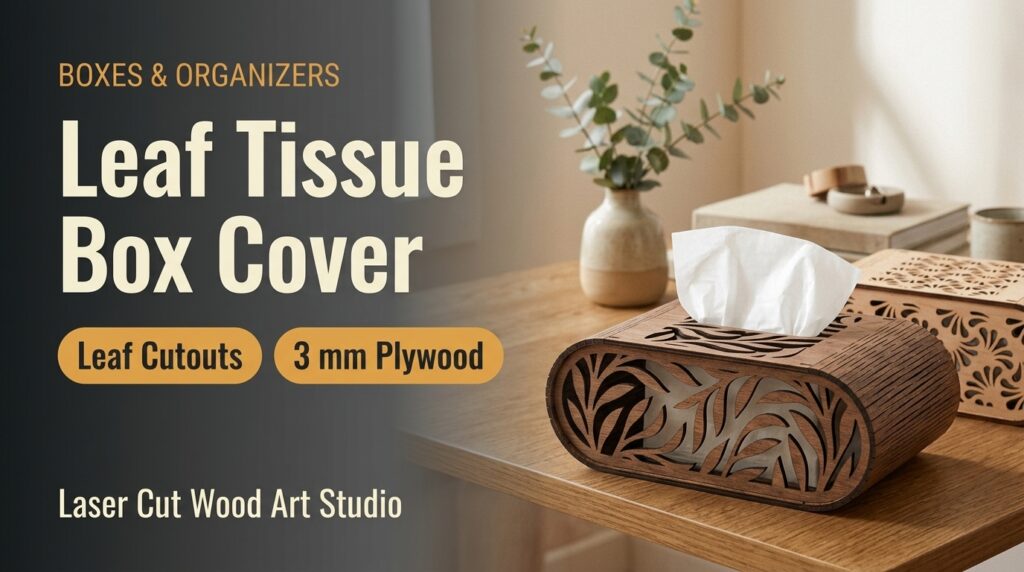
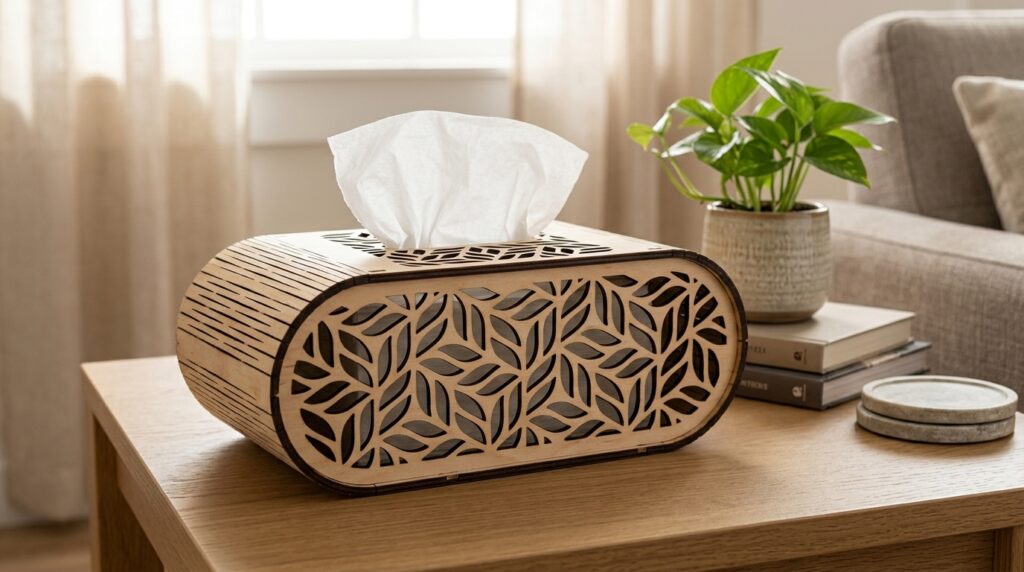
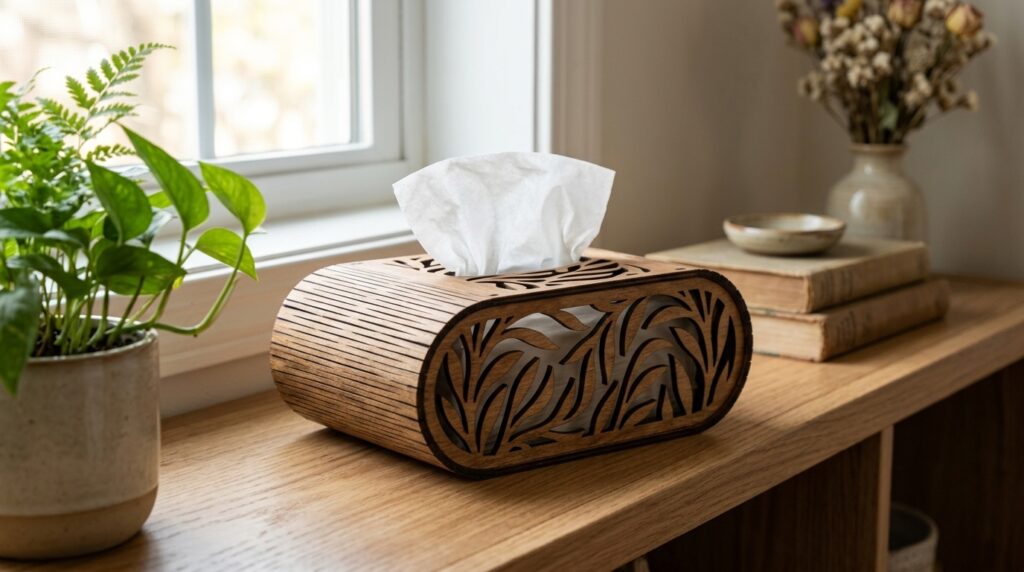
2. Wooden Tissue Box SVG Bundle
A tissue box cover with a modern rounded shape and delicate leaf cutouts, made for living rooms, bathrooms and offices. The files are optimized for 3 mm wood, and the curved structure assembles with clean, precise connections. Formats: SVG, EPS, DXF, PDF and DWG; LightBurn users should use the DXF. Run a test cut on scrap 3 mm wood first to confirm your slot width. A light sanding of the edges before assembly gives a neat finish.
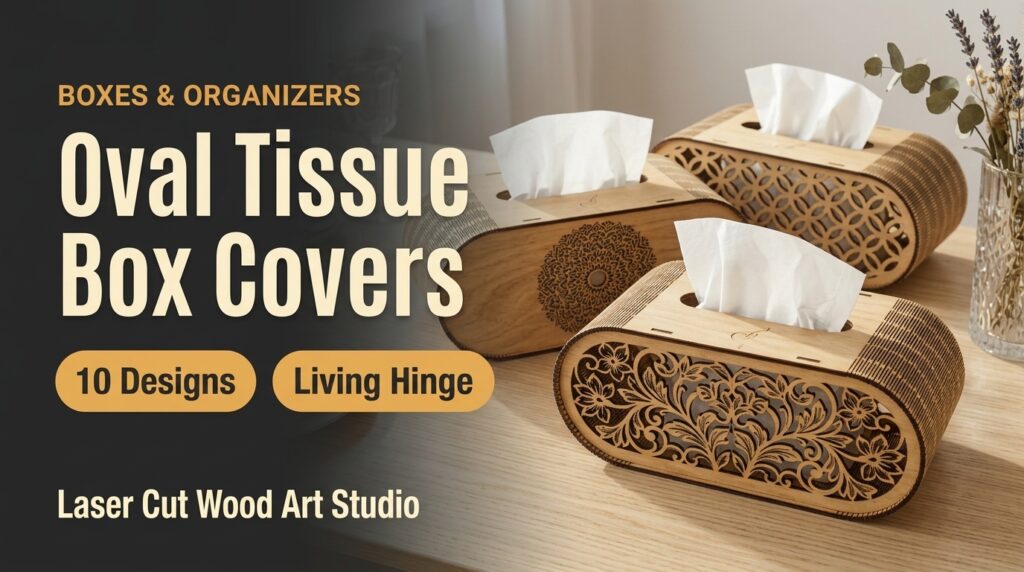
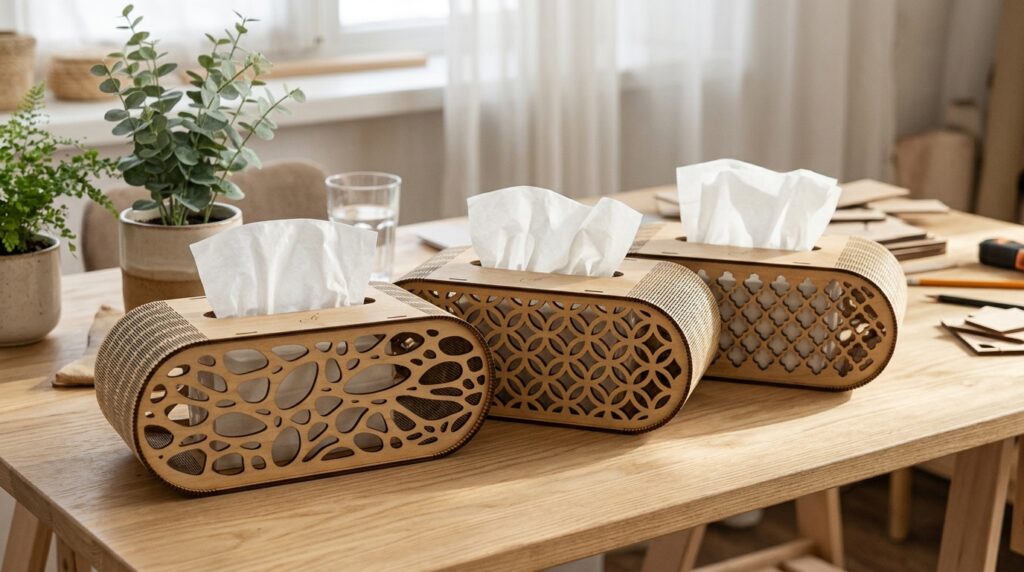
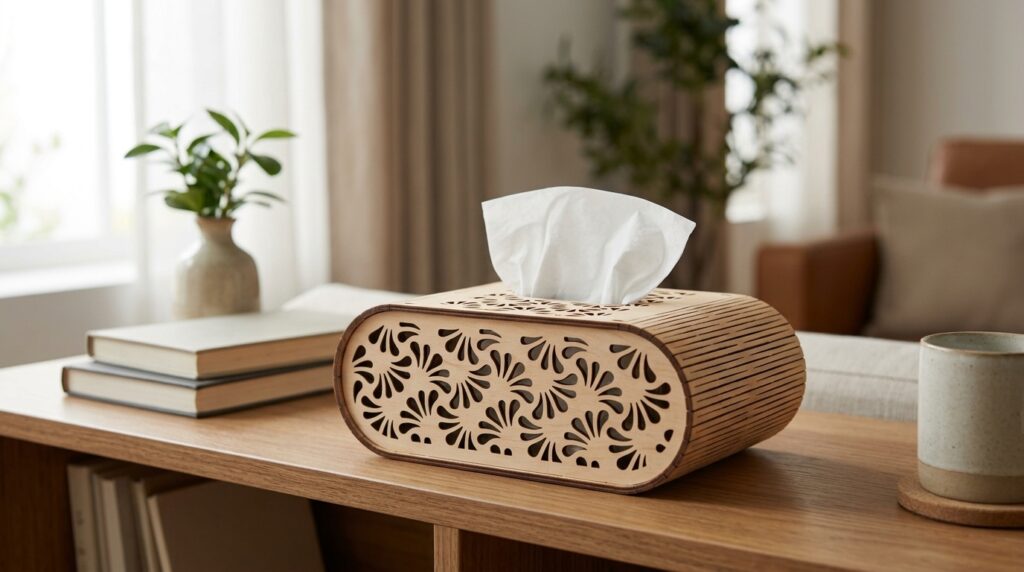
3. Oval Tissue Boxes Cover Bundle
Ten oval tissue box cover designs with a flexible living hinge: filigree florals, birds, cats, a mandala and a geometric lattice. The bundle includes 50 files (SVG, EPS, PNG, PDF and DXF) with Glowforge layouts, and the covers double as a desktop organizer or a housewarming gift. A living hinge only bends smoothly when the cut lines are even, so test power and speed on scrap before the full sheet. Sand the edges for a smooth feel if you give one as a gift.
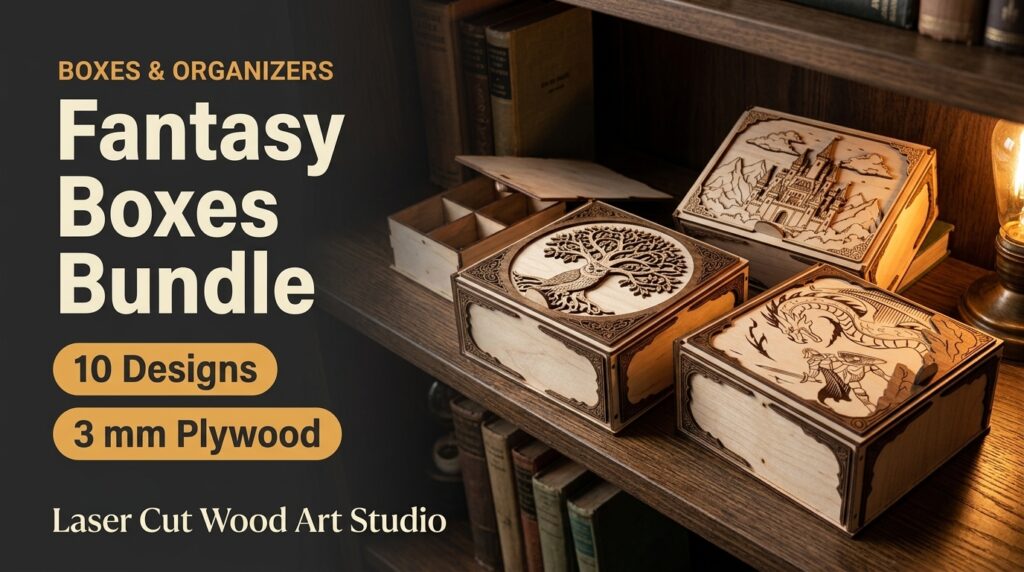
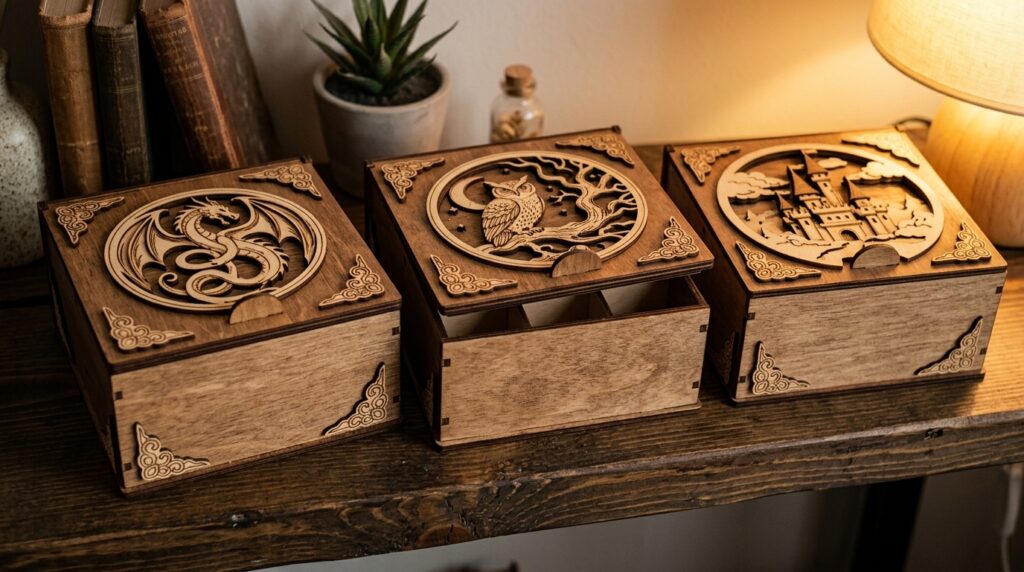
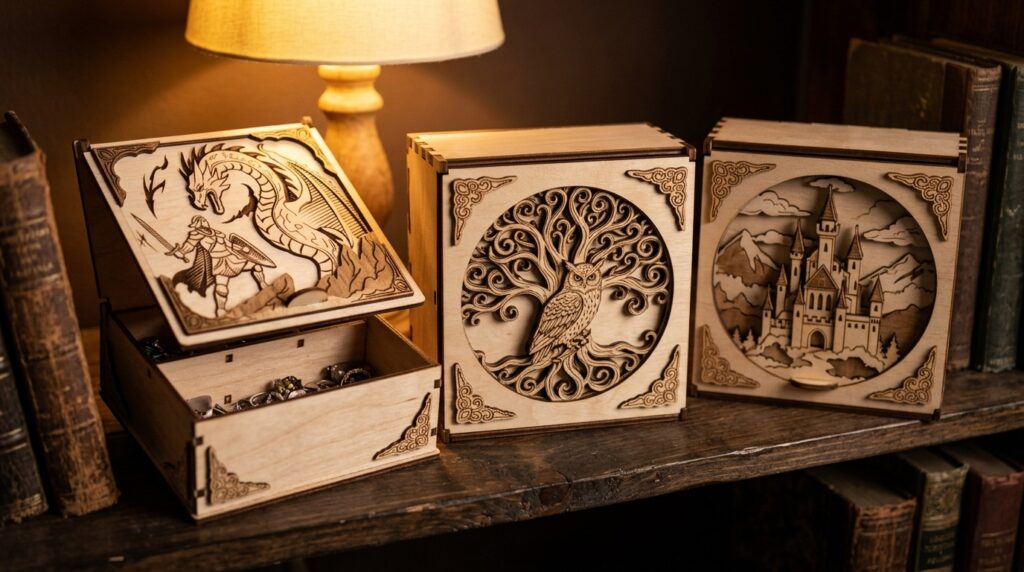
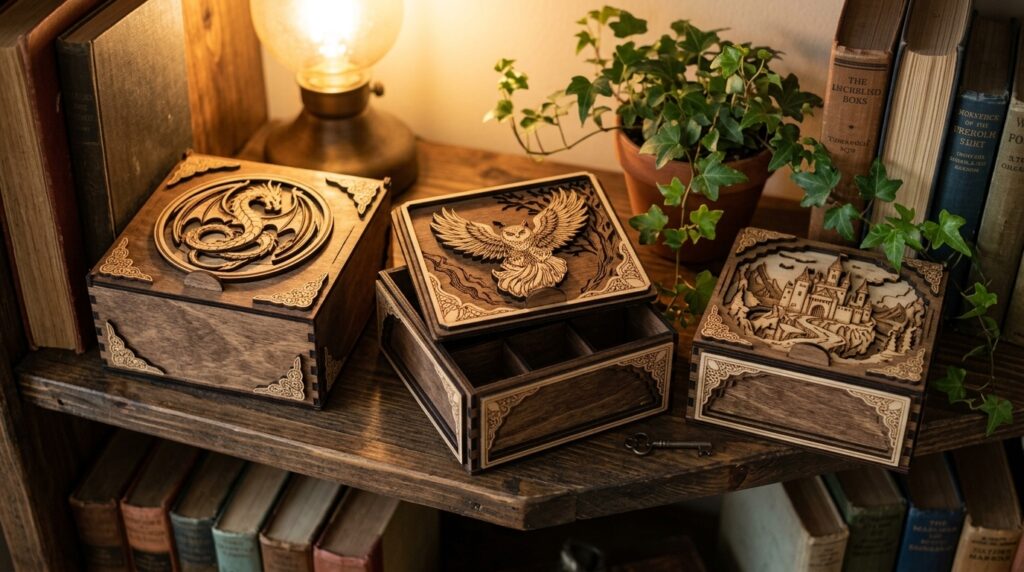
4. Fantasy Boxes Bundle
A bundle of 10 fantasy box designs for home or office, made for 3 mm material. The zip folder includes SVG, DXF, EPS, PDF, JPEG and PNG files, so it works with most laser software. Cut one box first as a test, because plywood thickness varies between suppliers and a tight joint can split. A stain or paint finish helps them pass as real keepsake boxes.
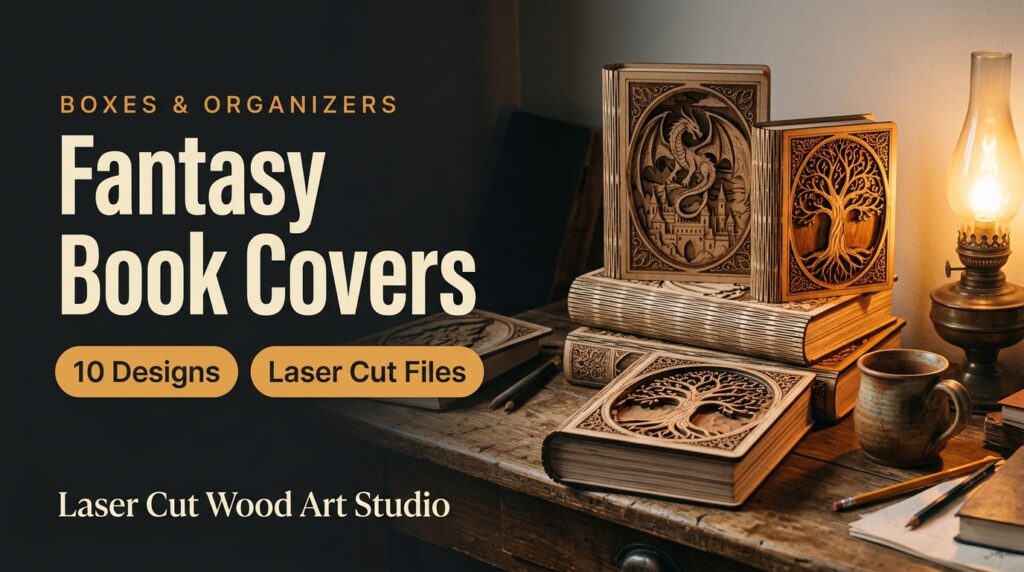
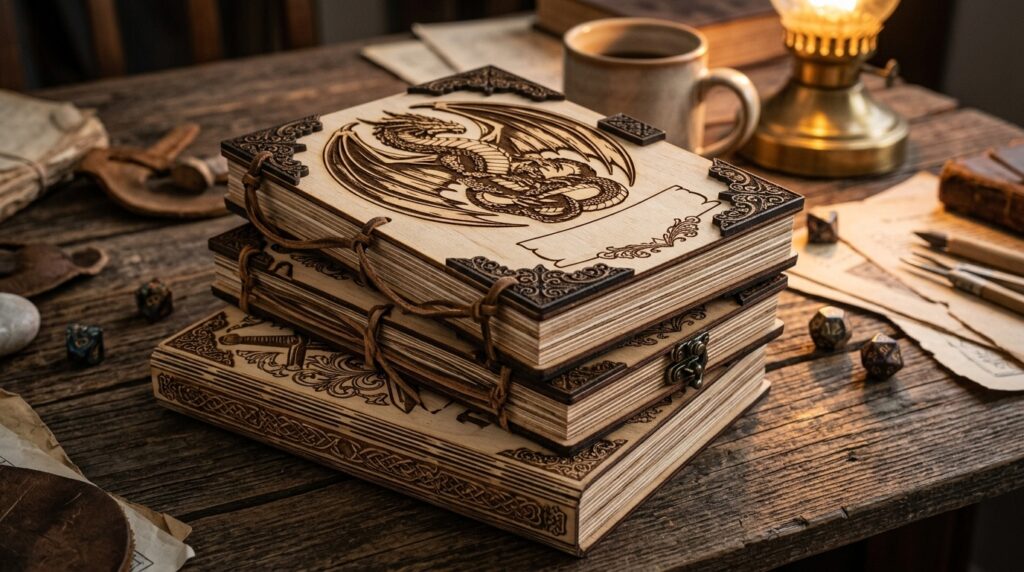
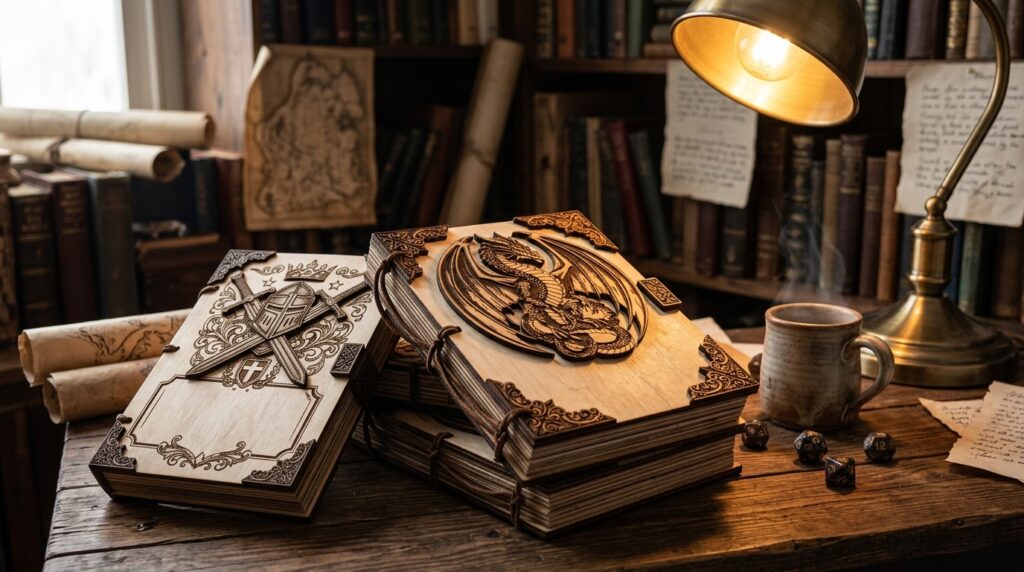
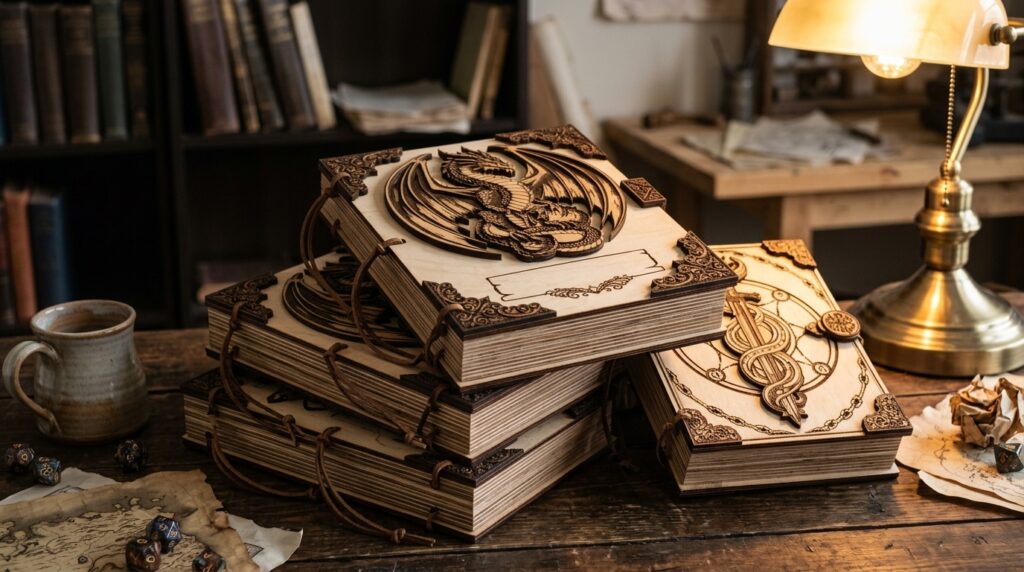
5. Fantasy Book Covers Bundle
Ten fantasy book cover designs for laser cutting. The files use a simple color code: red lines are cut and black lines are engraved. Formats: SVG, EPS, PNG, PDF and DXF. The color code lets you assign cut and engrave settings to the right lines before you send the job to the laser. Test the engraving depth on scrap first.
Tips for Cutting Boxes
- Test the joints first. Box walls fit by friction, so cut a small test piece to check kerf and material thickness before the full run. Plywood is rarely exactly 3 mm.
- Match the file to your material. If a bundle lists several thicknesses, choose the one closest to your sheet instead of scaling the design.
- Sand and finish after cutting. A light sanding and a coat of clear oil or wax makes tissue box covers and storage boxes feel professional.
Guides to read before you cut
New to cutting these files? These step-by-step guides cover the setup and the common mistakes.
- Finger joint and tabbed boxes: how to dial in kerf compensation
- How to prepare SVG and DXF files for laser cutting
- How to fix islands, bridges and vector dropouts
Happy cutting!
1 thought on “5 Laser Cut Box & Organizer Files: Tissue Box Covers, Fantasy Boxes & More (SVG)”